Choose email-only when the goal is newsletters, cold outreach, quote requests, or follow-up campaigns.
Email lead finder
Find email leads for outreach.
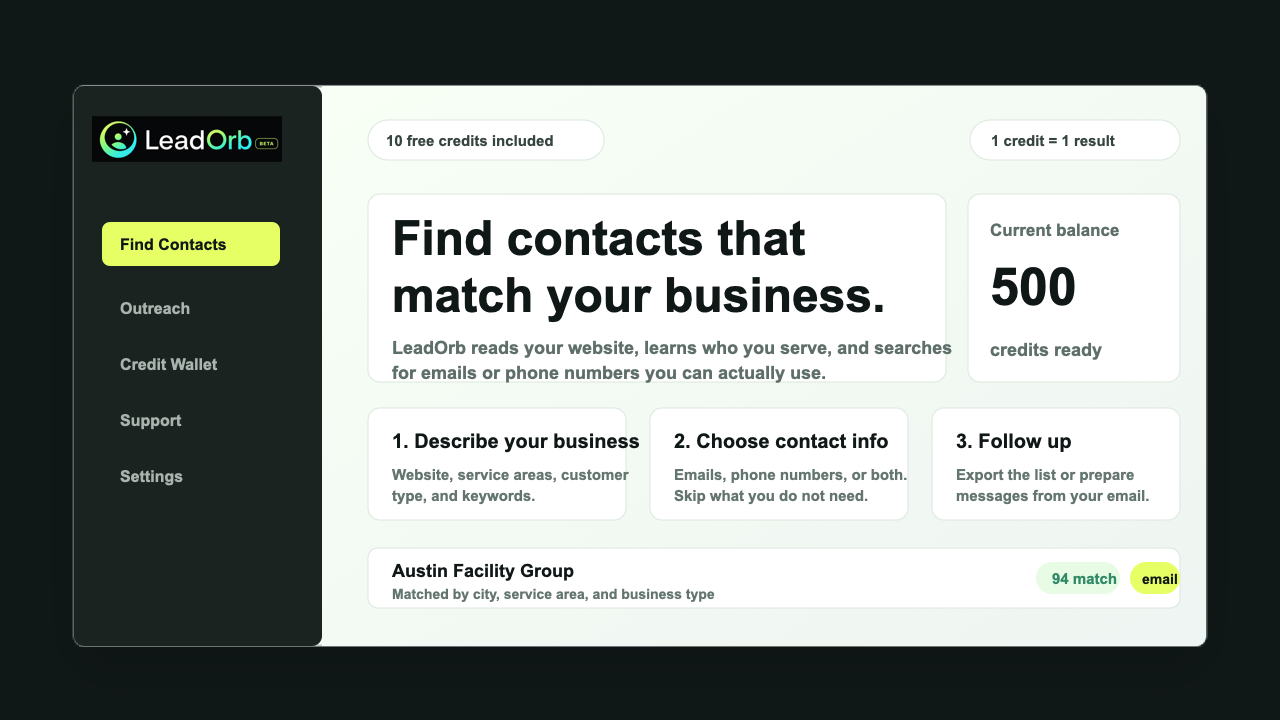
Choose email-only searches when you need contacts for cold email, follow-up, or newsletters. Phone-only results stay out of the list.
Verified emailSource URLFit score
CSV files include source URLs, fit scores, notes, and lead feedback so teams can separate promising contacts from bad matches.
Good and bad lead ratings are stored per customer workspace, helping future searches reflect that client’s own preferences.
Email lead finder explained
Find email leads for outreach without the messy spreadsheet.
An email lead finder is only useful when the emails belong to businesses that fit your offer. LeadOrb focuses the search around your target customer before collecting contact data.
Use it when you are planning cold email, newsletter outreach, partnership lists, quote requests, or a small campaign test.
Try 10 leads free
Skip phone-only recordsSource-backed resultsGood and bad lead ratingsCleaner exports for outreach teams
Set the audience
Tell LeadOrb what kind of companies you want, where they should be located, and what you want to avoid.
Require email
Choose email-only so phone-only contacts do not spend credits or clutter the export.
Export cleanly
Download a CSV with business name, email, source URL, fit score, notes, and feedback status.
Common questions
What buyers usually want to know
Can LeadOrb find only emails?
Yes. Email-only mode keeps phone-only results out of the returned list.
Does feedback affect every customer?
No. Lead feedback is meant to improve that customer workspace, not overwrite everyone else’s search behavior.
Start free
Use LeadOrb on a real search before you buy anything.
Tell us what kind of businesses you want, choose email or phone results, and use your free LeadOrb Credits to test the quality for yourself.