Use cities, counties, states, or service areas to narrow a search before spending credits.
Local prospecting
Find local businesses to contact.
Search by city, service area, and customer type so your list starts closer to the businesses you actually want.
CityNicheService area
Saved business descriptions and search-specific notes help the engine avoid generic results that do not fit the client.
The Leads tab keeps exported contacts organized so customers can revisit results after a search is complete.
Local prospecting explained
Find local businesses to contact without the messy spreadsheet.
Local business leads need location logic. LeadOrb lets customers search by city, county, service area, or nearby markets so the exported contacts match where they can actually sell.
For roofers, agencies, consultants, IT providers, med spas, restaurants, and local service companies, this keeps searches closer to real buyer territory.
Try 10 leads free
City and service-area targetingSaved business profile contextLocal source reviewGood for small test campaigns
Define the market
Use cities, states, counties, ZIP areas, or plain-language service areas such as within 30 miles of Tomball.
Match the niche
Add the kind of businesses you want and the types of companies you do not want.
Review local results
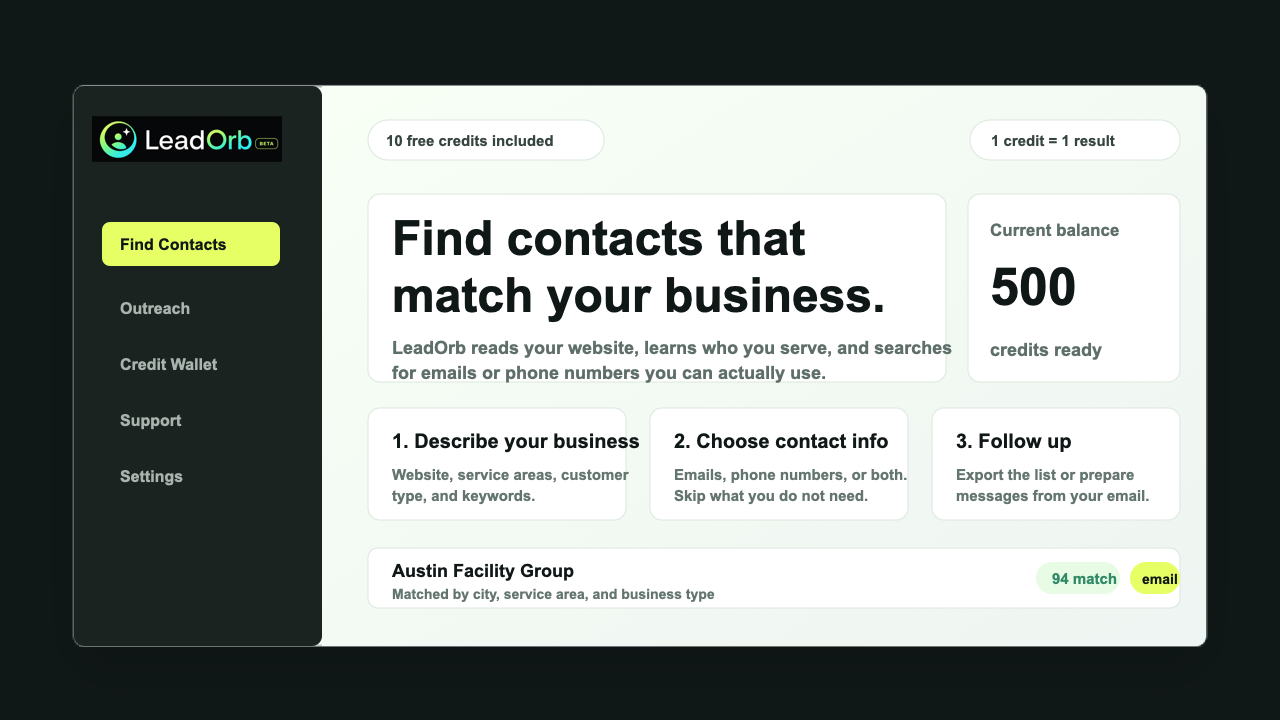
See business names, contact fields, source URLs, and fit scores before exporting.
Common questions
What buyers usually want to know
Can customers search outside their city?
Yes. They can enter multiple cities, counties, states, or broader service areas.
Why ask for business details again?
Search-specific details let the customer narrow a new run without changing their saved account profile.
Start free
Use LeadOrb on a real search before you buy anything.
Tell us what kind of businesses you want, choose email or phone results, and use your free LeadOrb Credits to test the quality for yourself.