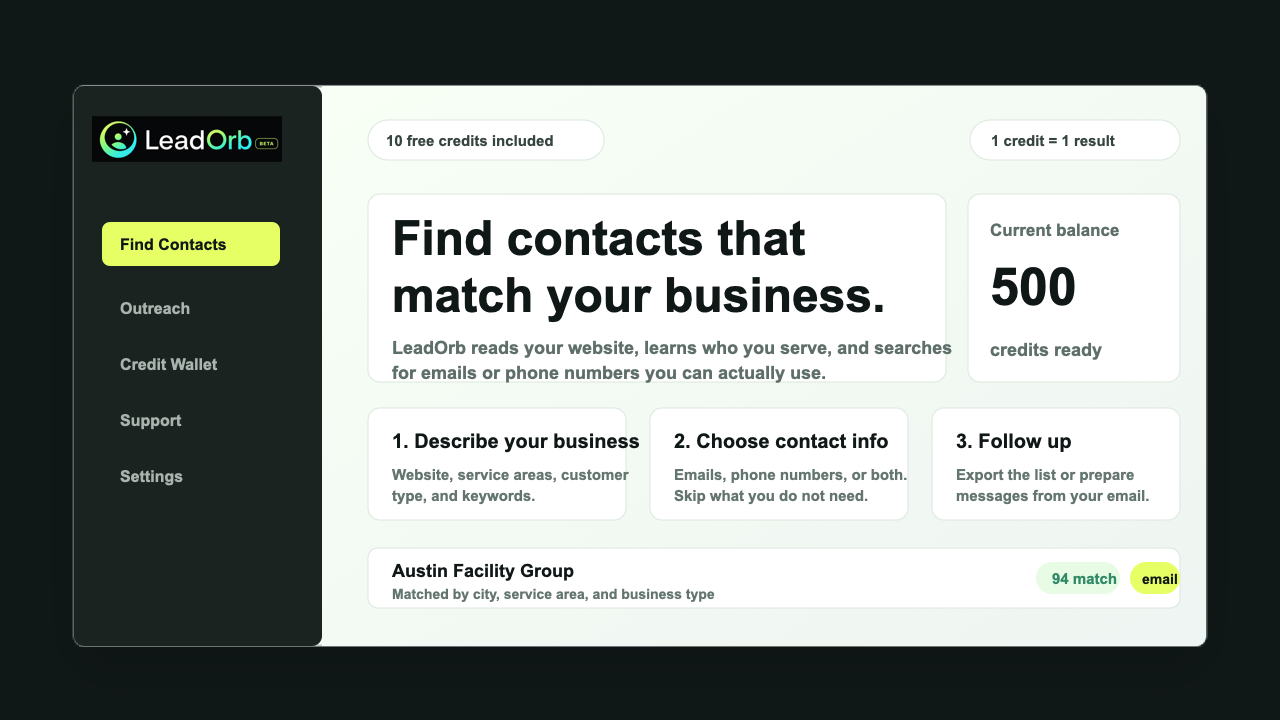
Add your website, service area, ideal customer, and the kind of contact information you want. LeadOrb uses that context to shape the search before any credits are spent.
How it works
Find leads in a few clicks.
Tell LeadOrb what you do, who you want to reach, and what contact info you need. We help find matching businesses you can review and export.
Business profileSource selectionExported leads
Run a broad search or focus on sources like Google, LinkedIn, directories, local websites, and other public business pages.
Open the results, check the source, call a phone number, export a CSV, or mark each result as good or bad so future searches improve for that workspace.
How it works explained
Find leads in a few clicks without the messy spreadsheet.
LeadOrb is built for people who do not want to guess where leads came from or pay for a messy spreadsheet. The workflow starts with your business, then turns that context into a smaller, cleaner search.
This gives beta testers a practical first win: run a small search, inspect the results, and decide whether the data is good enough to scale.
Try 10 leads free
Good for first campaignsBuilt-in quality reviewCSV exports when you are readyFeedback improves the next search
Profile
LeadOrb reads your website and setup answers so the search starts with your services, audience, and location.
Search
Choose the source types and contact fields you want. LeadOrb uses credits only for returned contacts that match those settings.
Review
Open each result, check the source, call a number, export a CSV, and mark leads good or bad for future searches.
Common questions
What buyers usually want to know
Do I need to know scraping tools?
No. LeadOrb asks simple business questions and handles the search process inside the dashboard.
Can I test before buying?
Yes. New accounts start with 10 free LeadOrb Credits so you can run a real search first.
Start free
Use LeadOrb on a real search before you buy anything.
Tell us what kind of businesses you want, choose email or phone results, and use your free LeadOrb Credits to test the quality for yourself.